 by CEF
 Getting started · Chapter 3
Hardware needed
To get started, gather the following.
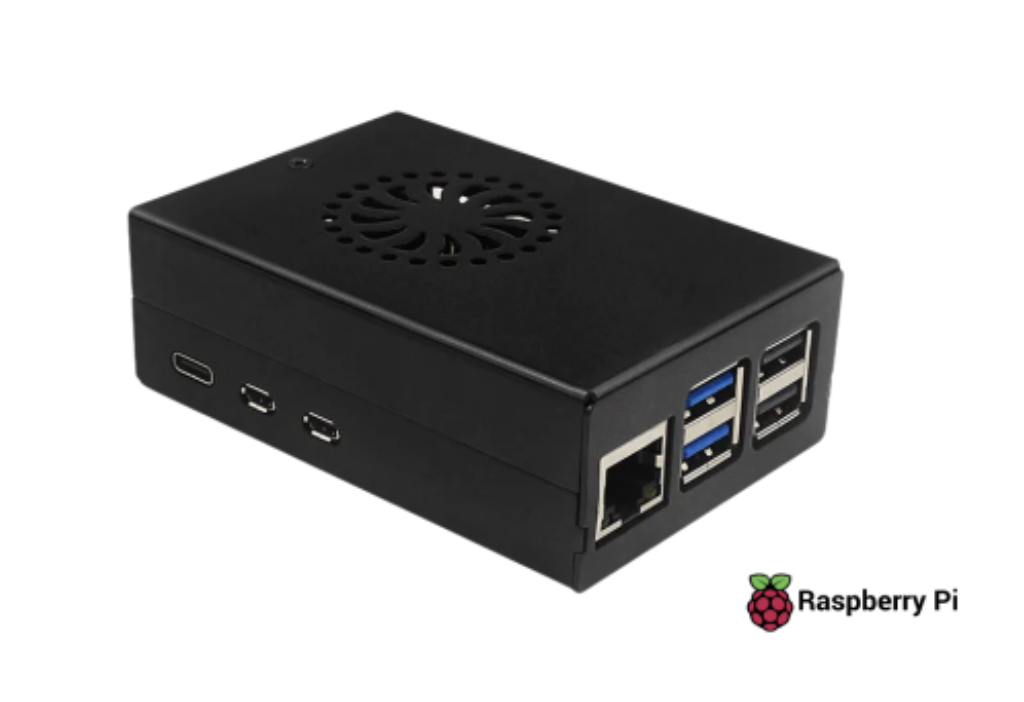
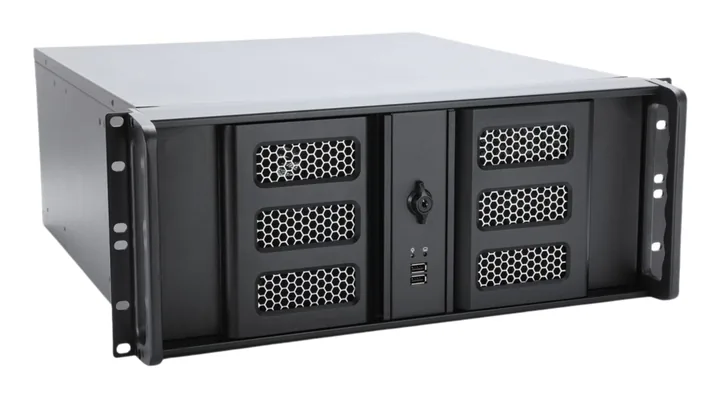
The device
- A Raspberry Pi 5 or Raspberry Pi 4, or a Linux computer (see below).
- For the Raspberry Pi: its official power supply and a microSD card of at least 32 GB.
The Linux computer
An ordinary computer with the latest LTS version of Ubuntu Server (x86, 64-bit). It needs no card and handles up to 250 streams, depending on the hardware. The specifications vary with the number of streams; an average computer has:
- CPU: Intel Core i7.
- RAM: 16 GB.
- Network: two 1 Gbps ports, one for management and the Internet, one for the multicast output.
Preparing it
- Download the latest LTS version of Ubuntu Server from ubuntu.com and install it on the computer.
- During the installation, create your user and select Install OpenSSH server.
- Connect the first network port to a network with Internet access.
- Continue with the installation command (chapter 7).
Consult our support team: the right specifications depend on how many streams you will run.
Cables and network
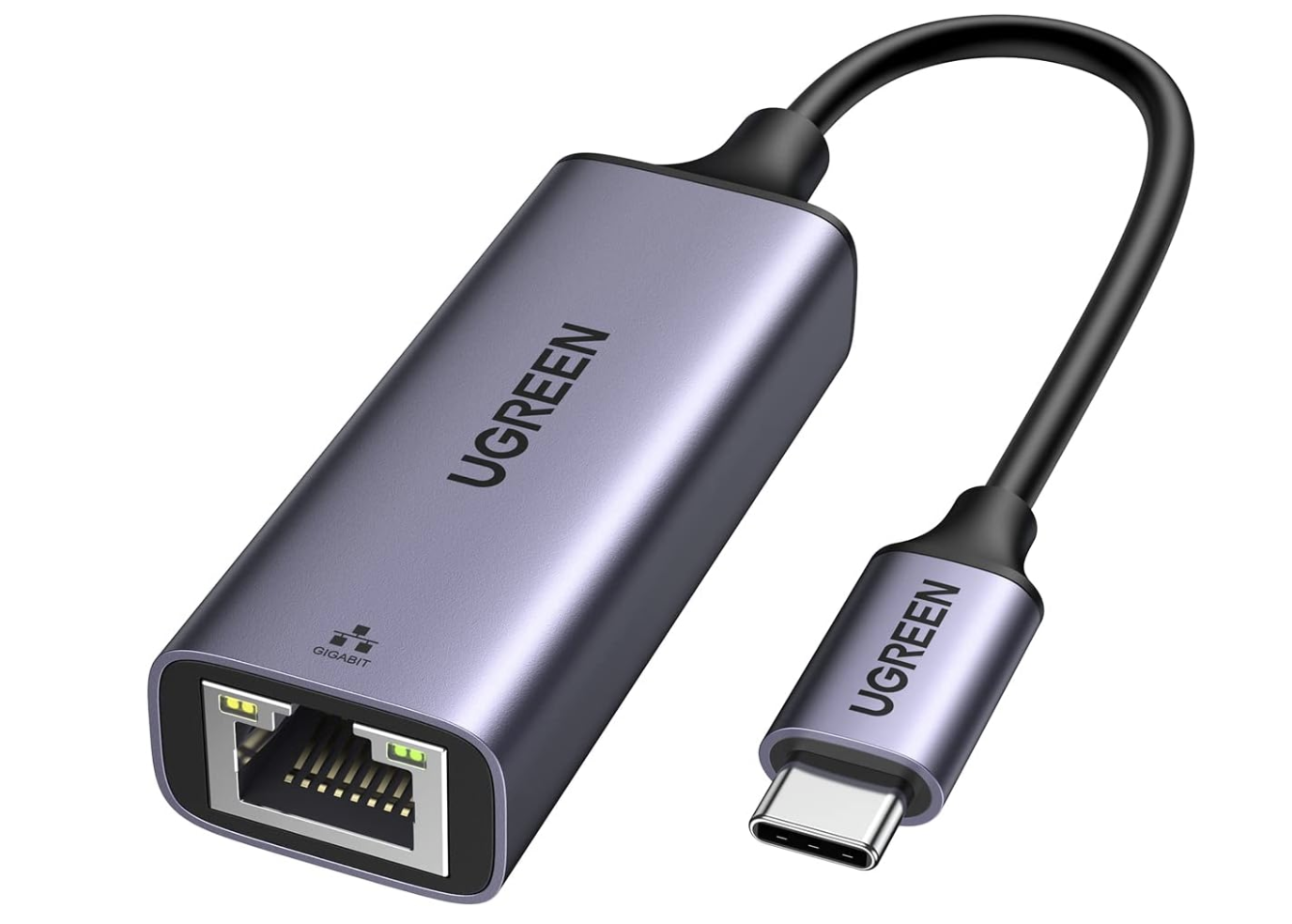
- A network cable for the eth0 port (management and internet).
- For multicast distribution: a USB-Ethernet adapter for eth1. For video output to a monitor, a micro-HDMI to HDMI cable.
- Internet access on the management network.
To prepare and install
- A computer (Windows, Mac or Linux) to load the operating system onto the card and connect to the device.
- An HDMI monitor to watch the boot, see the result and the IP address it uses on the local management network.
The license
The device needs an active license key to operate. Buy it on the Pricing page (30-day demo, Prime, or Enterprise monthly, yearly or perpetual): the key arrives by e-mail and is entered on the device after the installation (chapter 9).
Both models are supported. The difference: the Pi 5 has an HDMI output in H.264 / AAC; the Pi 4 has no HDMI output (the display is the browser preview).