 by CEF
 Installation · Chapter 8
First sign-in to the interface
The device is controlled from a web interface. It opens in the browser, from any computer on the same network.
1
Open the interface
In the browser, type the Gateway UI address you noted during installation (chapter 7). It looks like this:
In the browser
http://device-IP-address:3000
For example: http://192.168.10.150:3000
2
Sign in
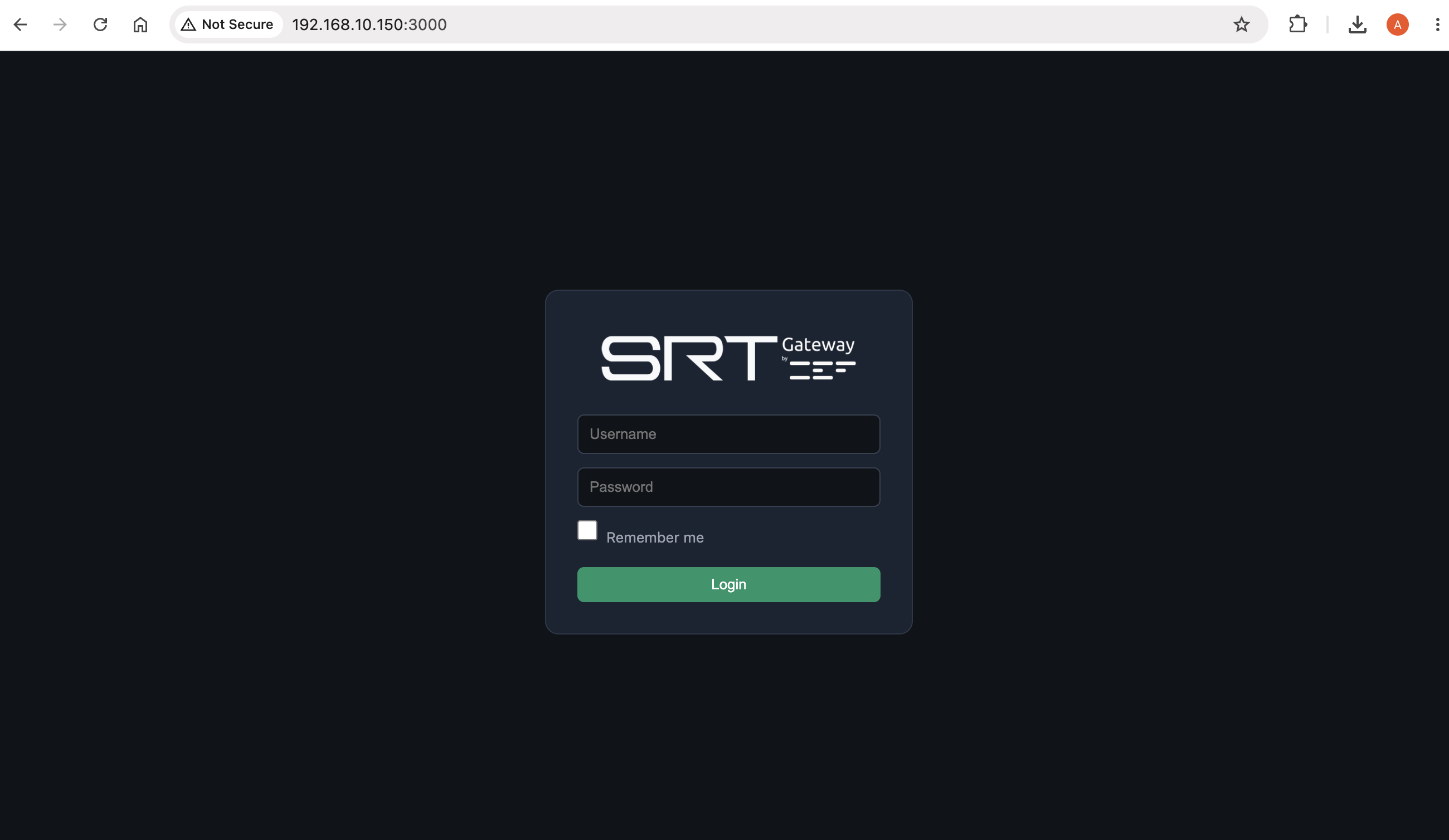
A sign-in screen appears. Enter your username and password and sign in.
3
The control panel
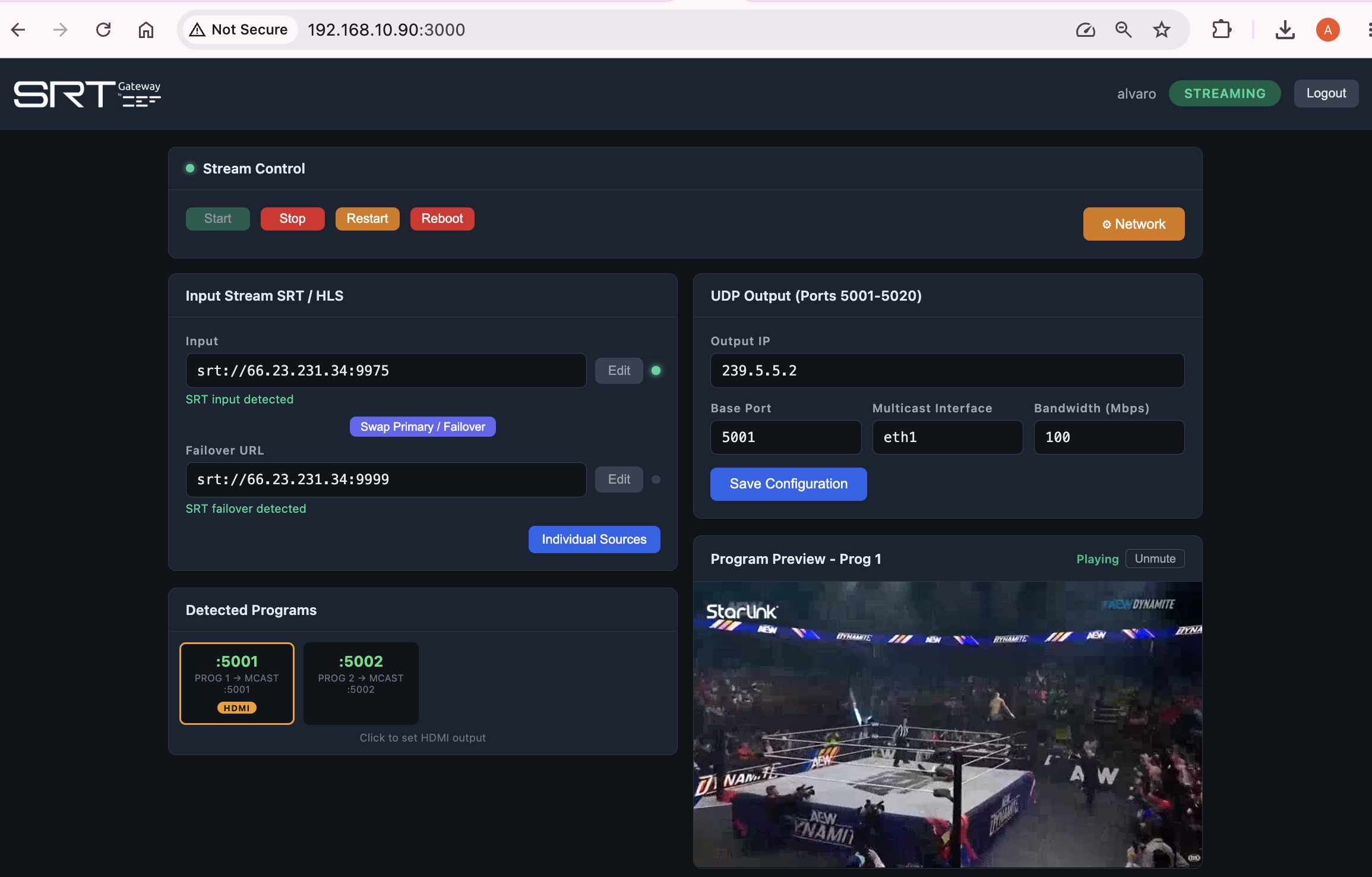
Once inside, you will see the control panel. Each area has a function:
 1 2 3 4 5 6 7
 - Status and session: indicates whether the device is streaming and lets you sign out.
- Stream Control: starts and stops all configured streams, restarts the input signals and reboots the device.
- Network: opens the device network configuration.
- SRT / HLS Input: this SRT field receives MPTS-type signals; the programs are displayed.
- UDP Output: the output IP address and the port of the UDP multicast and unicast.
- Detected Programs: the tool visually detects the programs of each stream.
- Preview: the live video inside the browser, corresponding to the selected program.
Further down
The panel continues downward with three more sections (Network, System and Devices), explained in chapter 11.